
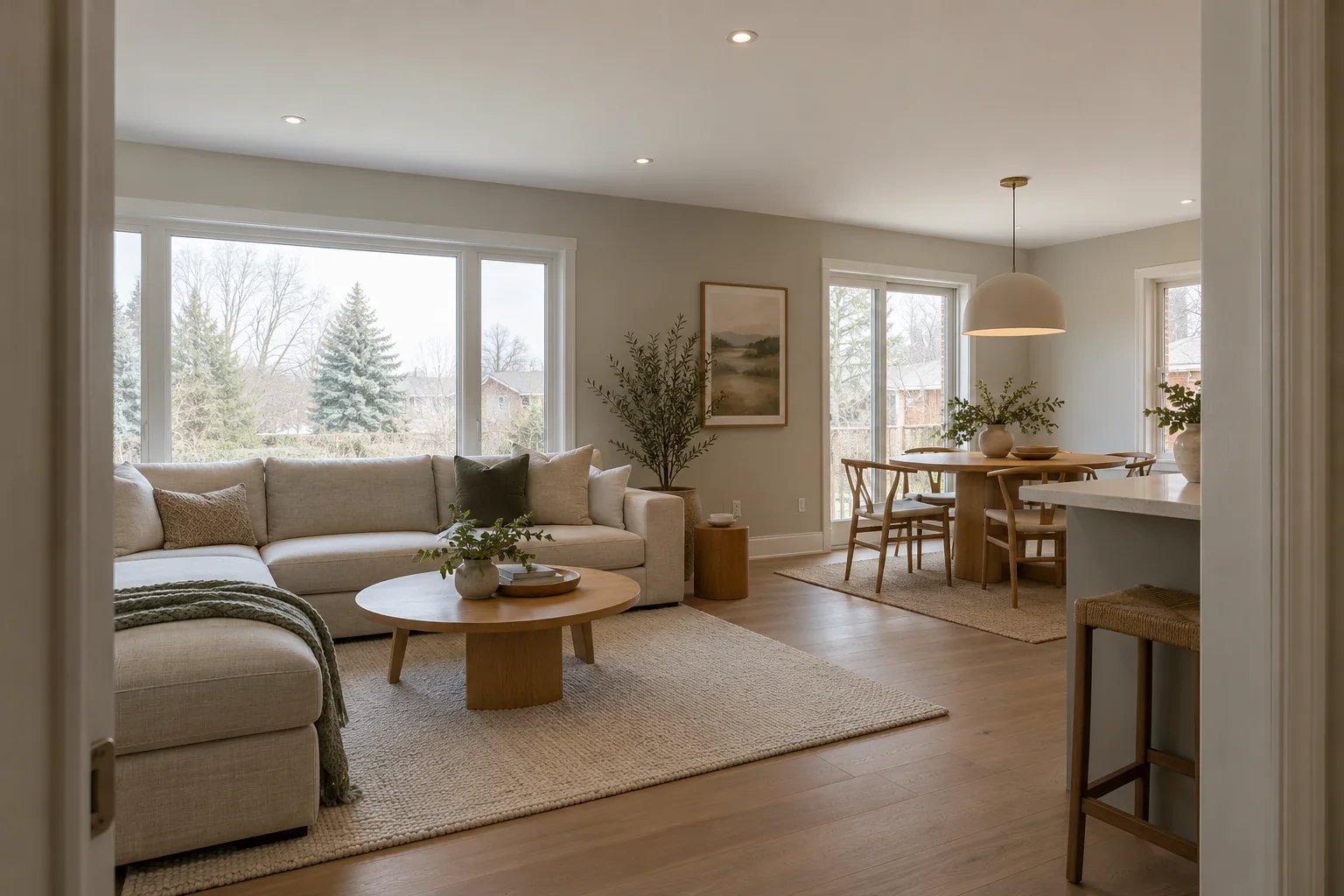
Look at the application as well as the fixture
A lighting idea becomes more useful when you can describe why it suits a space. Look at the surface receiving the light, the normal viewing position and the other lighting in the room. A kitchen worktop, a reading chair and an entrance each ask for a different balance. The photographs here give you visual references for those conversations.
The gallery is organised into three collections: Rooms, Exterior, and Fixtures & Controls. Each contains eight separate photographs with an individual description. Filters narrow the visible selection by application. Choose All photos to return to the complete set. Open any visible image to see its caption and move through the other visible photographs in that collection.
24 photos shown.
Rooms
Exterior
Fixtures & Controls
Turn an idea into a useful project brief
When something appeals to you, note the feature that matters. It may be the separate control of a seating area, light reaching a counter, a pendant over a table or an exterior fixture aimed toward a useful path. You can describe that feature without asking for an exact copy of the room. Your ceiling, furniture and access conditions may need a different solution.
The images illustrate lighting applications. They do not establish the wiring, output, colour specification or approval of a product used in another property. A static photograph cannot demonstrate flicker, dimmer performance or how the light feels from every viewing position. Captions describe what is visible rather than promising a particular installation outcome.
For an interior plan, explore interior pot lights or lighting layout and design. For eaves and rooflines, see soffit and exterior pot lights. Those service pages explain the scope questions behind the visual choices.
Share the details that matter to your property
Use the contact page to explain which room or exterior area you want to improve and which feature in the gallery caught your attention. A safe wide photograph of your own space and a plain description of the task can help connect the reference to the conditions that actually exist.
You can browse using a mouse, touch or keyboard. Each image has a descriptive button and caption. In the larger view, use the previous, next and close controls, or the left and right arrow keys. Closing the viewer returns focus to the image you opened so you can continue through the gallery.