
On this page
Choose the everyday interaction first
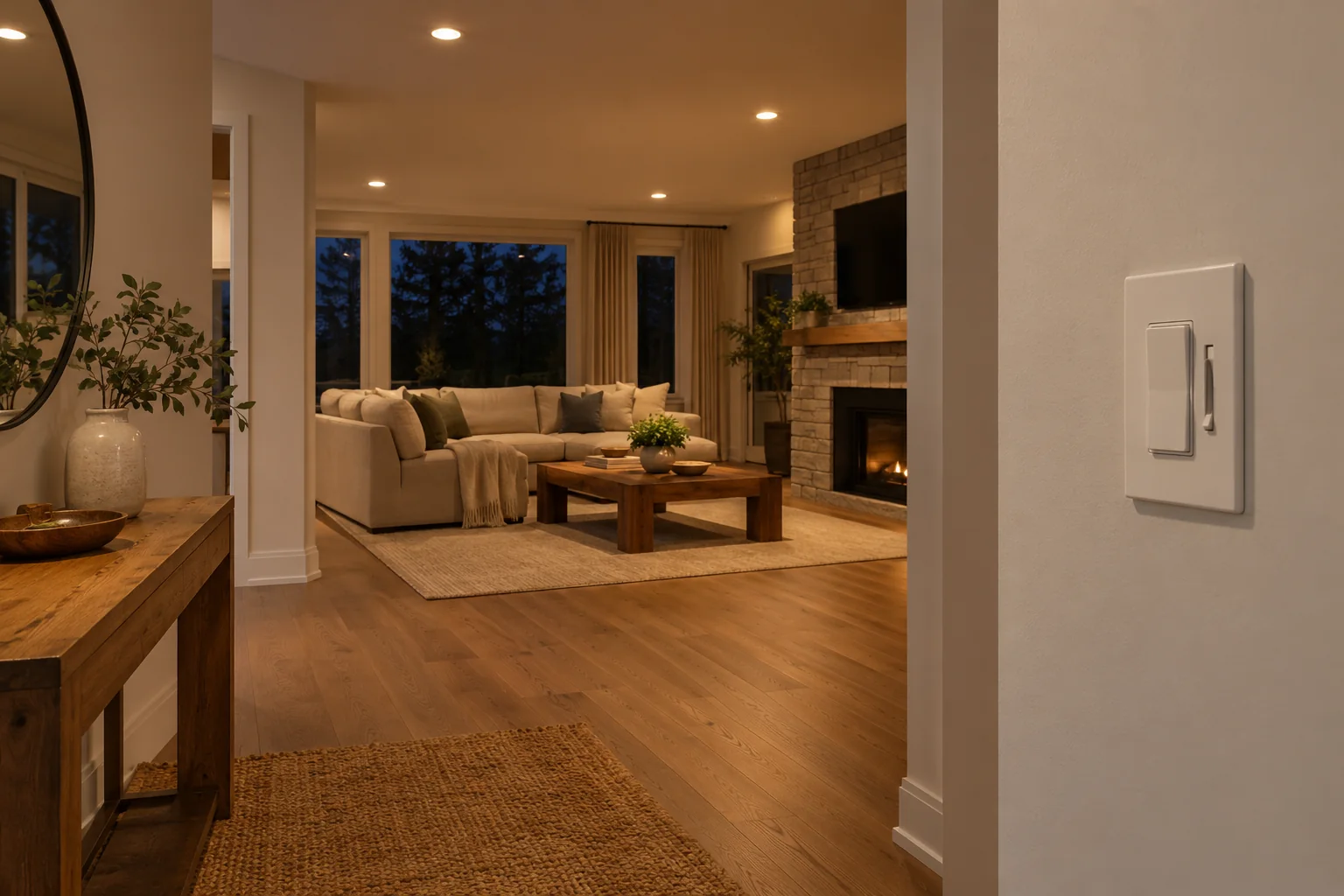
The useful difference between a smart lighting control and a standard LED dimmer is often what happens when someone enters the room. Do they want to press a familiar wall control and adjust the light, recall a setting for several activities, or have the room change on a schedule? A long feature list does not answer that question. Begin with the routines the control should make easier, then consider the products and installation that can support them.
A standard LED dimmer can be a good fit where one person simply wants to raise or lower a room’s lighting at the wall. A smart control may add useful coordination when several zones need to change together or when a repeated routine deserves automation. Either choice still needs an appropriate match with the connected lighting. Smart features do not settle fixture, driver or electrical compatibility.
LED Dimmer Compatibility owns that product-matching question. Here the comparison is about wall operation, scenes, schedules, guests and manual changes. Treat any desired feature as something to verify in the exact proposed system, rather than a promise attached to the word “smart.”
A familiar wall control can be the whole solution
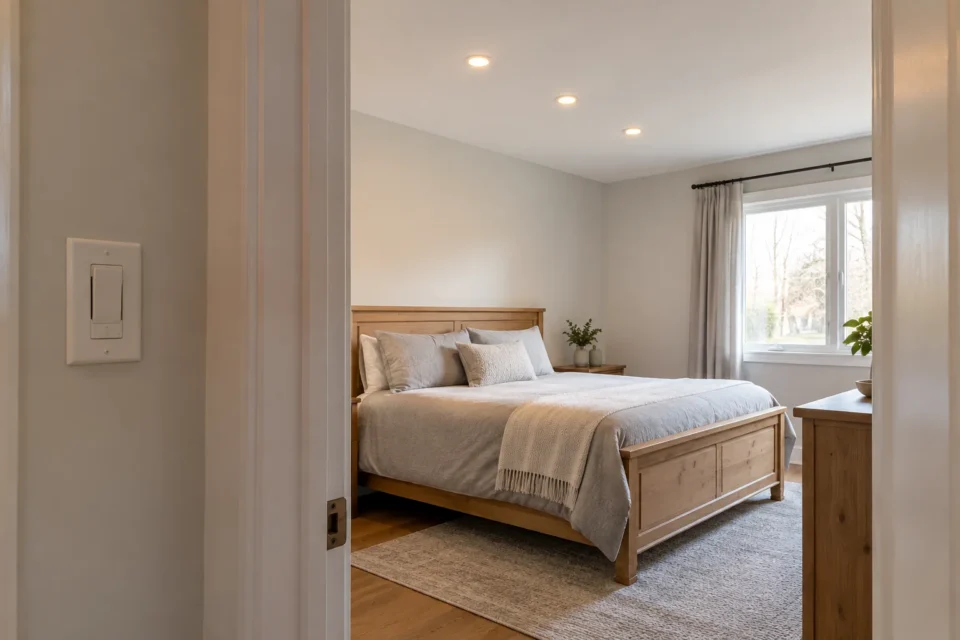
Picture a bedroom where the main need is a comfortable evening level and straightforward morning operation. If the ceiling group is the only zone being changed, a standard dimmer may provide all the interaction the household wants. Consider how the selected control turns the lights on, whether its level is easy to understand and whether people can find and use it comfortably in the room.
The physical design matters. A slider, rotary control, paddle with separate level adjustment or button arrangement can feel quite different in daily use. Ask to understand the proposed interface before it is installed. A control that is technically appropriate but awkward for a household member may create a routine annoyance every evening.
Also explain any retained wall lights or lamps. If people already switch those separately and like doing so, there may be little benefit in adding coordination merely to simplify a feature list. Keep the decision anchored to the room’s actual routine. The right level of complexity can differ between a quiet bedroom and a connected main floor.
Scenes are useful when they replace a repeated sequence
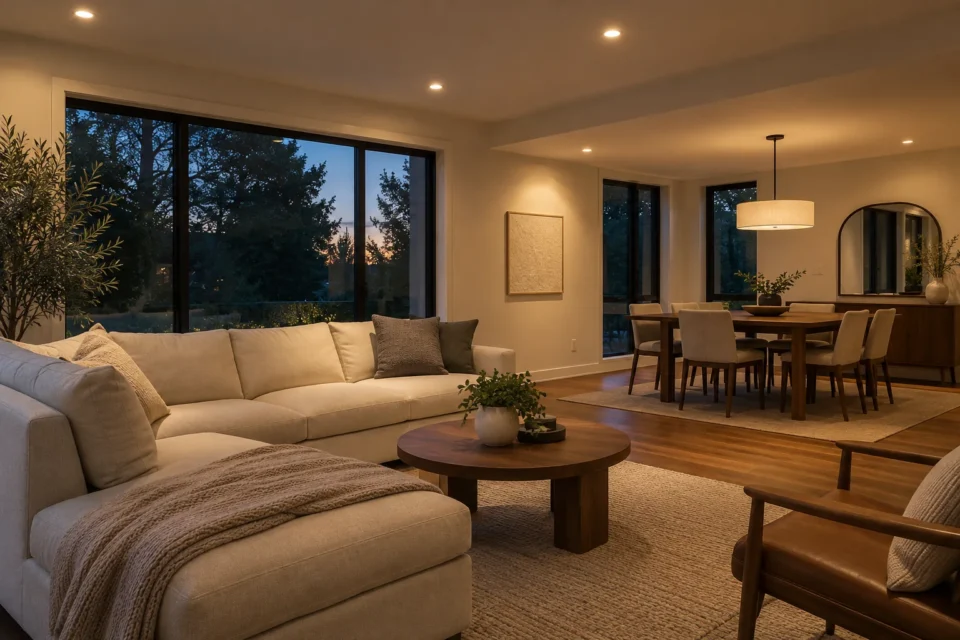
A scene is most helpful when the household repeatedly makes several adjustments to reach a useful setting. In a living and dining room, people might lower one ceiling zone, leave another modestly lit and bring on a retained fixture. If that same sequence happens often, recalling the intended combination can save effort. The exact devices that can participate and the available recall methods depend on the selected system.
Describe scenes by activity rather than vague mood. An evening meal, reading session or cleanup routine tells the designer which surfaces and zones matter. Start with a small number that everyone can explain. A collection of nearly identical presets can be harder to use than two clear settings and a familiar way to adjust them.
Ask where a scene will be recalled. Some systems offer wall devices, an app or additional remotes; availability and requirements vary. If the household wants an activity setting at the doorway, an app-only feature may not provide the intended convenience. The wall interaction should be part of the scope, not a detail left until the installation is complete.
Schedules should solve a specific routine
A schedule can suit a repeated need, such as an evening room setting or a particular arrival period. Write down the expected action and why it matters. “Change these lights at this point in our routine” is clearer than “automate the room.” Then identify exceptions: holidays, a late meal, someone working from home or a guest sleeping in a room usually lit at a particular time.
Ask how the schedule interacts with a person changing the lights manually. In one documented manufacturer example, a scheduled state remains until another event, scene, timer or manual action changes it. That example shows why the order of actions matters; it is not a universal description of every smart control. Have the proposed system’s behaviour explained using your own routine.
Keep the schedule manageable. One useful automation can be easier to maintain than several overlapping ones. Identify who in the household will change it when needs change, and ask what access they need. A schedule that only one person can find may create unnecessary dependence even if it worked well on the day it was demonstrated.
Compare a small set of practical questions
| Daily need | Standard LED dimmer discussion | Smart control discussion |
|---|---|---|
| Adjust one room by hand | Understand the wall interface and usable level range. | Check whether the wall operation remains equally straightforward. |
| Recall several lighting zones | Expect separate adjustments unless another assessed arrangement is included. | Verify participating devices and the place used to recall a scene. |
| Change light on a routine | A basic dimmer alone may not supply the desired scheduling function. | Confirm schedule setup, exceptions and later manual changes. |
| Welcome guests | Choose a control that can be understood without instruction. | Provide an understandable wall method and explain only useful extras. |
| Maintain the arrangement | Keep product details and operating information. | Also agree account access, handover and required supporting equipment. |
This comparison is an inquiry checklist. It does not approve a particular model or suggest that every smart control supplies all of the listed functions. The exact interface and equipment belong in the proposal alongside the lighting being controlled.
Make the guest experience uncomplicated
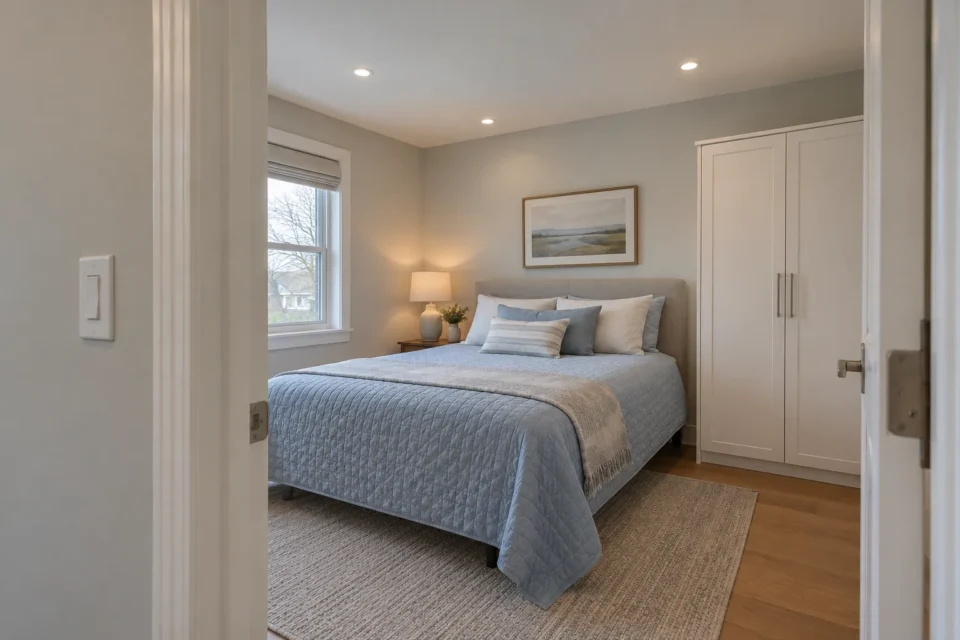
A guest should be able to obtain useful light without learning the household’s account setup. Think about the entrance to a guest bedroom, a bathroom or a living room used by visitors. Is there an understandable wall control? Does its ordinary action change the expected lights? If a button recalls a scene, does that help a visitor or make the first interaction less predictable?
Avoid making essential room operation depend on a spoken command that only works with particular wording or on a phone a visitor does not have. Voice and app functions can be convenient additions where desired, but explain the everyday wall method first. The system’s actual local operation, connectivity dependencies and equipment requirements should be confirmed from its documentation.
Different household members may also have different needs. Someone may prefer tactile level adjustment, another may benefit from a clear preset, and another may never use an app. Discuss those preferences before selecting the interface. A good usability decision gives people a comfortable way to operate the room without insisting that everyone adopt the same habit.
Ask what a manual change really overrides
“Manual override” can describe several different behaviours. A person might adjust the current level, temporarily suspend an automation or change a scene’s stored setting. These are not equivalent actions. Ask the proposed installer to demonstrate the specific situation you care about: someone changes the room late at night, and the next scheduled event occurs afterwards.
Then ask how to return to the normal routine. Will selecting a scene be enough? Is there a timer or app setting to review? Does the changed level persist until another action? The answer depends on the system and configuration. A short operating note written around the household’s routine is more useful than remembering an unfamiliar sequence weeks later.
Use ordinary controls only when observing existing behaviour. If the present lights have dropout, an erratic range or unexplained operation, that is a separate assessment concern. LED Dimmer Problems helps describe those symptoms safely. Adding an app is not itself a remedy for a poorly matched control or another electrical issue.
Understand the supporting equipment and handover
Smart operation may require a hub, an account, an app or other supporting equipment, depending on the exact system and the functions selected. Ask which items are included, where they will live and who is responsible for setup. Do not assume that the wall device’s appearance tells you whether a particular feature needs additional equipment.
Discuss ownership of the account from the beginning. The household should understand who can change scenes and schedules and what happens when a phone is replaced or a person no longer needs access. Keep the chosen product details and operating guidance with the project records. These are practical handover matters, not reasons to expose passwords or publish personal account information.
Also ask about behaviour during a connectivity interruption and after power returns, using the manufacturer’s information for the actual products. Avoid relying on a blanket claim that all smart systems behave the same way. If dependable local wall operation is a priority, make that requirement explicit and have the proposed solution explained before purchase.
Review the choice with everyone who uses the room
Before approving the arrangement, describe an ordinary evening to another household member. Can they explain how they would enter, adjust the light and leave? If the proposed system includes a schedule, ask them what they expect after a manual change. Different expectations can be resolved while the scope is still open. This conversation may reveal that a physical control matters more than a rarely used feature, or that one clearly named activity setting would be useful. Record those conclusions with the room brief so the handover demonstrates the interactions the household has actually chosen.
Choose the scope the household will actually use
A useful control brief can be quite short: list the lighting zones, the ordinary wall interaction, any repeated multi-zone setting and the schedule you would use. Add who uses the room, including guests, and which functions should remain easy without opening an app. If the household has no clear use for scenes or scheduling, say so. That is useful information for selecting the scope.
Smart lighting and dimmers is the service route for assessing the existing lighting and a proposed control arrangement. Send the brief through the project inquiry, with normal photos of the room and finished wall controls. Leave covers closed and do not attempt electrical changes to test a feature.
For related room-planning situations, browse the lighting articles. The final choice should fit everyday interaction as well as product compatibility: the people using the room should know how to get useful light, make an occasional change and maintain any automation they decide to keep.
Frequently asked questions
Does a room need smart controls to dim its lights?
A compatible standard LED dimmer may provide the wall adjustment the room needs. Scenes, schedules and other features should have a clear everyday purpose.
Does smart operation guarantee compatibility with my lights?
No. LED dimmer compatibility is a separate product-matching question for the actual fixtures, drivers and controls.
Will a manual change cancel every schedule?
Do not assume that. Have the proposed system demonstrated for the sequence you expect, including what happens at a later scheduled event.
What should a guest be able to do?
A guest should have an understandable way to obtain useful light at the wall. Any app or voice feature should be considered alongside that ordinary operation.
Should I add a smart control if the current dimmer behaves poorly?
Describe the behaviour first. LED dimmer problems covers safe symptom observations; an app alone does not resolve a poorly matched control or another issue.